




AI trading card scanner
Identify any trading card from a photo and price it from the market, then list it on Shopify.
- Card ID
- Market prices
- Bulk scan
Snap one phone photo. The scanner identifies it, AI photographs it, writes it into your template and ranks it on Google, each tool handing its work to the next.
ONE PRODUCT’S JOURNEY
Each tool takes what the last one made and passes on more, so nothing is retyped and nothing is missed.
Point your phone, camera or barcode scanner at the product. AI identifies it and fills every Shopify field.
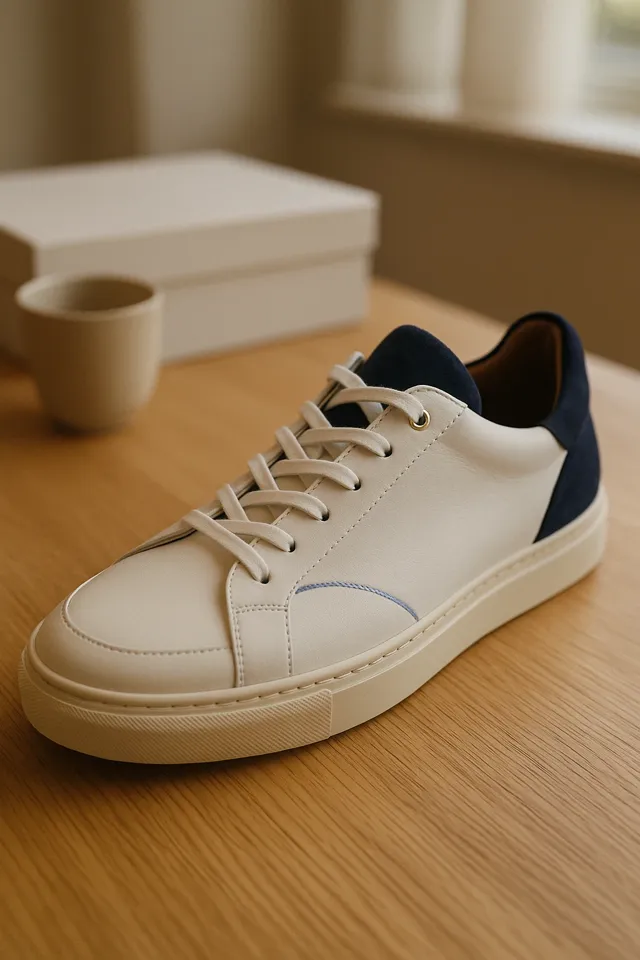
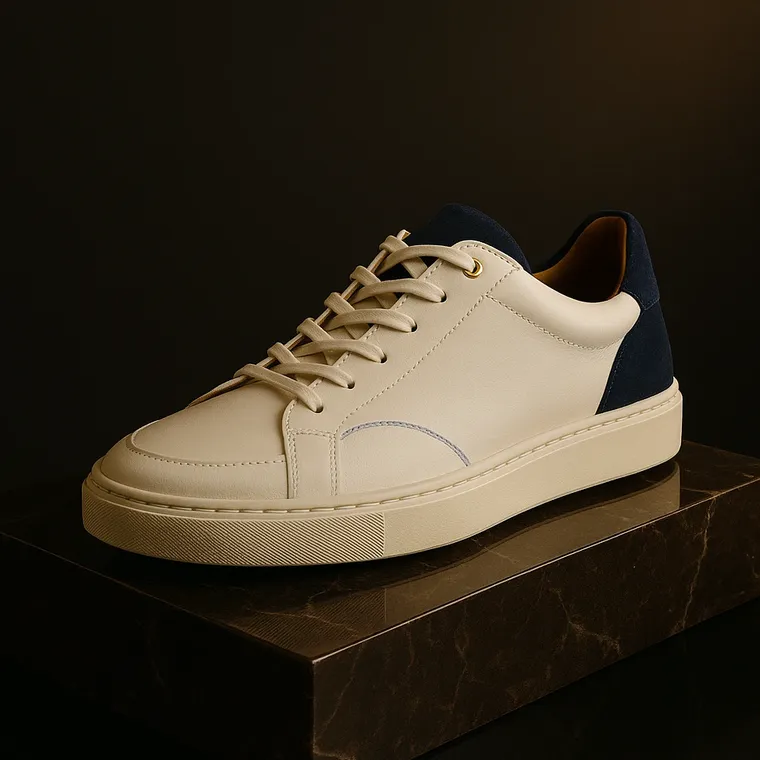
AI turns that phone photo into studio shots and lifestyle scenes, with your product kept exactly as it is.
AI writes the description from the scan data and the photos, straight into your designed template.
SEO Autopilot writes the meta title, meta description and image alt text from that copy and those photos, then re-checks Google every 28 days and fixes what slips.
Nothing goes live until you approve it. Then it’s on Shopify, ready to sell online and in store, and every change can be undone.
Run every product through the same tools in one bulk run, review before anything publishes, sort them into collections, schedule the go-live, and undo anything.
The card scanner identifies it and prices it from the market, AI grades it from centering and condition, then it’s listed and sold, online or over the counter.
Identify any trading card from a photo and price it from the market, then list it on Shopify.
An estimated grade from centering and condition, with corners, edges and surface broken down.
Buy collections at a fair AI price, sell online and over the counter, and take trade-ins at market value.
Answers on scanning and listing products, template-driven descriptions, AI SEO, selling in person, plans and billing.
MerchUp AI is an AI product manager for Shopify. Scan a product photo, a barcode or a trading card and it builds the full Shopify listing: title, template-driven description, SEO, tags, variants, price and AI product photos. Its AI does all your SEO from your own Google Search Console data, it organises collections and schedules products to go live, and you can buy, sell and trade in person with Shopify POS.
Install MerchUp AI from the Shopify App Store and sign in. You can start on the Free plan, which costs nothing and includes 10 welcome credits, or choose a paid plan: every paid plan starts with a 7-day free trial that includes 10 credits. Guided onboarding walks you through connecting your store and creating your first product.
Yes. MerchUp AI is built for Shopify today: it installs into your store, syncs your products and publishes listings, descriptions and SEO straight back, with billing handled by Shopify. WooCommerce, Webflow, Wix and WordPress are coming soon.
Yes, two ways. The Free plan is free forever: £0 a month, 10 welcome credits, preset templates, products created one at a time, and extra credits at 30p each whenever you need them. Every paid plan (Starter, Growth, Pro and Scale) also starts with a 7-day free trial that includes 10 credits. Billing runs through Shopify, so if you cancel before the trial ends you pay nothing.
Not yet. MerchUp AI runs on Shopify today. WooCommerce, Webflow, Wix and WordPress are coming soon.
Yes. Scan a product photo, a barcode or a trading card with your phone, your computer's camera, a barcode scanner or uploaded photos, and MerchUp AI fills every Shopify field: title, description, SEO, tags, variants and price. Product scanning is included on every plan; trading cards use the card scanner add-on.
GET STARTED
Scan, list and describe every product. AI does all your SEO.
Available now for Shopify, coming soon to Webflow, Wix, and WordPress.