

It’s logged as it happens
- Descriptions, pushes and fetches
- A bulk run folds into one row
- Nothing to switch on
Every description, push and fetch on your Shopify store is logged with what changed. Restore any version in one click, and undo it if you change your mind.
 Original store copySnowboard
 v2 · CrevasseBuilt for every line
 v3 · MidnightRide the whole mountain
HOW IT WORKS
MerchUp keeps the record for you, so the old copy is always one click away.
Description writtenHydrogen Snowboard · Midnight09:14Pushed to ShopifyHydrogen Snowboard09:12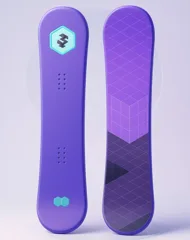
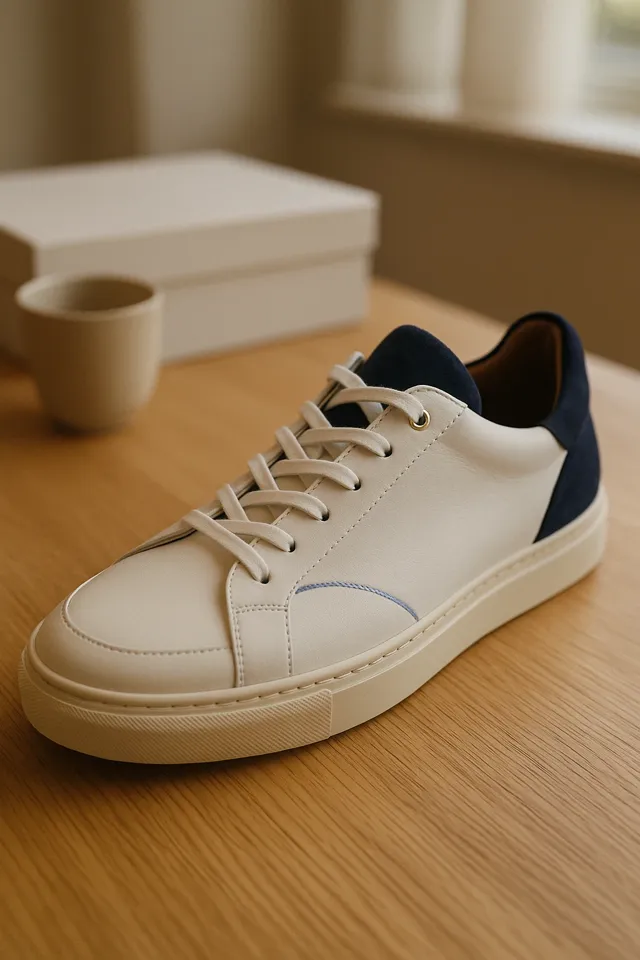 Bulk generation24 products · Forge08:30
 Pushed to ShopifyInsulated Bottle07:55Description writtenInsulated Bottle · Crevasse07:31Product fetchedLeather Court Sneaker07:20
 Push failedProtein Shake · Retry pushFailed07:12Description writtenProtein Shake · Lumen06:41Pushed to ShopifyAll-Mountain Board06:12Product fetchedInsulated Bottle05:40
Descriptions, bulk runs, fetches, pushes and every other operation land in one timeline, one row per action, newest first.
SEE IT, RESTORE IT
Compare any description with your original store copy, then put back whichever version you want.
The Changes view marks every sentence added or removed against your original store copy, with quality, word count and keywords side by side.
v3 · MidnightEvery saved version of a description stays in History. Restore one, or your original store copy, in one click, and undo it from the same toast.
MidnightVersion 3LiveReplacedCrevasseVersion 2ReplacedLive ForgeVersion 1ReplacedOriginal store copyStore copyMidnightRide the whole mountainCrevasseBuilt for every lineForgeHydrogen SnowboardStore copySnowboardSnowboardv2Court Sneakerv2v1v2 · ForgeRestore v1v1 restoredBulk generation24 products · Forge24 of 24Water Bottlev2Protein Shakev2
A bulk run of hundreds of products is one row you can open. Restore a single product without touching the rest, and see what SEO Autopilot and your schedules did while you were away.
Answers on scanning and listing products, template-driven descriptions, AI SEO, selling in person, plans and billing.
The Template Editor is where you design your product description layouts. You build sections and elements visually, and the AI writes into the right slots, so every product gets a consistent, designed description that's written specifically for that product.
Descriptions are written by the MerchUp AI Engine from your real product data (titles, variants, options and tags) into your designed template, so it doesn't invent specifications or prices, and structured facts like pricing stay locked. Choose a writing quality level (Standard, Polished or Premium), and review or edit everything before it's published.
Yes. The Template Editor gives you full visual control — start from one of our professionally designed template families or build your own layout with sections, elements, backgrounds, effects, and typography controls. Every part of a template can be restyled to match your brand, no code required.
Yes — MerchUp includes a library of professionally designed template families, each a genuinely distinct design system with its own layouts, typography, and artwork. Five families are free and included on every plan, and the rest can be bought individually at any time — there is no plan restriction on which ready-made templates you can use. Separately, your plan sets how many custom templates you can build and save in the Template Editor: Starter 1, Growth 5, Pro and Scale unlimited. That allowance applies only to templates you create yourself — it never limits the ready-made families available to you.
Descriptions are published to Shopify by MerchUp, so your storefront always reflects what you generated and approved. When you update a template, descriptions generated or regenerated from that point use the updated design — you stay in control of what gets pushed to your store.
You don't need to write CSS — the Template Editor exposes deep visual styling controls (layout, spacing, typography, colours, backgrounds, and effects) on every plan. The styling is baked into each description when it's published, so your designs render faithfully inside your Shopify theme.
GET STARTED
Every description, push and fetch in one feed, with one-click restore and an undo for every restore.