
Create a collection
- Name it after the drop, sale or line
- Pick an icon, colour and category
- Push manually or on a schedule
Group a drop, a sale or a brand line, then push every product's saved description to Shopify together, now or on a schedule.
 V3
V3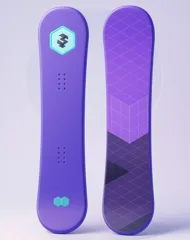 V2
V2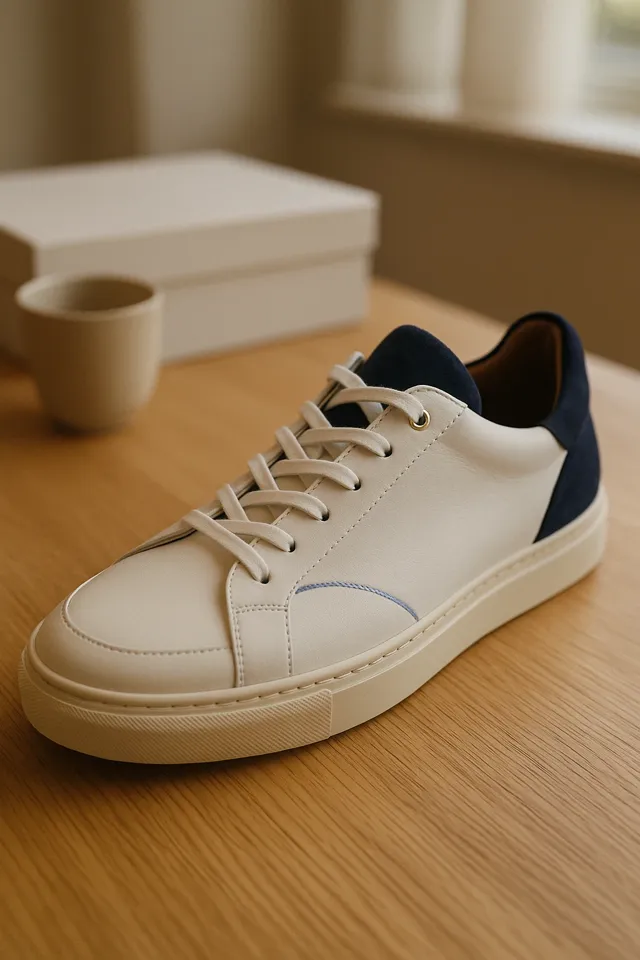 V3
V3 V3
V3 Your storeWaiting for a pushReceiving…4 live on ShopifyWhole drop live
HOW IT WORKS
Build the set once, check it, and push it when you're ready.
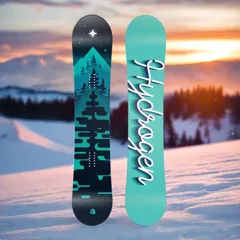
Hydrogen SnowboardVersion 3 · LatestAll-Mountain BoardVersion 3 · LatestVersion 2Court SneakerVersion 3 · LatestInsulated BottleVersion 3 · Latest Protein ShakeVersion 3 · LatestV3+V2+V3+V3
Choose products from your store and the saved description each one should use. The collection keeps its own copy, so it is still ready to push months from now.
PUSH TOGETHER
See exactly what each product will say, then send the whole collection to your store with one push.
Before anything is sent you see what will publish and what is already live. Then every product goes out together.
V3V2V3V3To publish 4Already live, skipped 1Ready to receiveReceiving…All 4 live in your storePush 4 productsPush 4 productsPushing…4 pushedOpen any product in the collection to read its description in its template, swap to another saved version, or take it out of the set.
Hydrogen SnowboardCrevasse · Version 2Crevasse · Version 3PreviewChange versionAll-Mountain BoardCrevasse · Version 2PreviewChange versionCourt SneakerForge · Version 3PreviewChange version CrevasseVersion 2Version 3Built for fresh powderVersion 2 · saved 3 OctRide the whole mountainVersion 3 · saved 12 OctSavedScheduledLiveSavedScheduledLiveSavedScheduledLiveReady to scheduleFri 24 Oct · 09:00Pushed at 09:00
Set a date, time and time zone. MerchUp pushes the whole collection in that minute, with nobody at a keyboard.
LiveLiveFailedPushingLiveLivePush failed · reason shownRetrying this one…Pushed on retryRetry 13 of 4 live4 of 4 liveRetry pushed · 1 of 1 liveEach product shows whether it went live. If one fails you see why, and a retry sends only the ones that need it.
Answers on scanning and listing products, template-driven descriptions, AI SEO, selling in person, plans and billing.
The Template Editor is where you design your product description layouts. You build sections and elements visually, and the AI writes into the right slots, so every product gets a consistent, designed description that's written specifically for that product.
Descriptions are written by the MerchUp AI Engine from your real product data (titles, variants, options and tags) into your designed template, so it doesn't invent specifications or prices, and structured facts like pricing stay locked. Choose a writing quality level (Standard, Polished or Premium), and review or edit everything before it's published.
Yes. The Template Editor gives you full visual control — start from one of our professionally designed template families or build your own layout with sections, elements, backgrounds, effects, and typography controls. Every part of a template can be restyled to match your brand, no code required.
Yes — MerchUp includes a library of professionally designed template families, each a genuinely distinct design system with its own layouts, typography, and artwork. Five families are free and included on every plan, and the rest can be bought individually at any time — there is no plan restriction on which ready-made templates you can use. Separately, your plan sets how many custom templates you can build and save in the Template Editor: Starter 1, Growth 5, Pro and Scale unlimited. That allowance applies only to templates you create yourself — it never limits the ready-made families available to you.
Descriptions are published to Shopify by MerchUp, so your storefront always reflects what you generated and approved. When you update a template, descriptions generated or regenerated from that point use the updated design — you stay in control of what gets pushed to your store.
You don't need to write CSS — the Template Editor exposes deep visual styling controls (layout, spacing, typography, colours, backgrounds, and effects) on every plan. The styling is baked into each description when it's published, so your designs render faithfully inside your Shopify theme.
GET STARTED
Group the products, pin the descriptions, push the set now or on a schedule. Nothing reaches your store until you push it.