
Write a rule
- Tag, type, vendor, collection or price
- Combine with AND, OR and “is not”
- See how many products match
Tell MerchUp which products get which design, by tag, type or vendor. New products follow too.
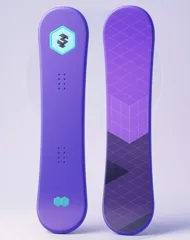 All-Mountain BoardTagwinter
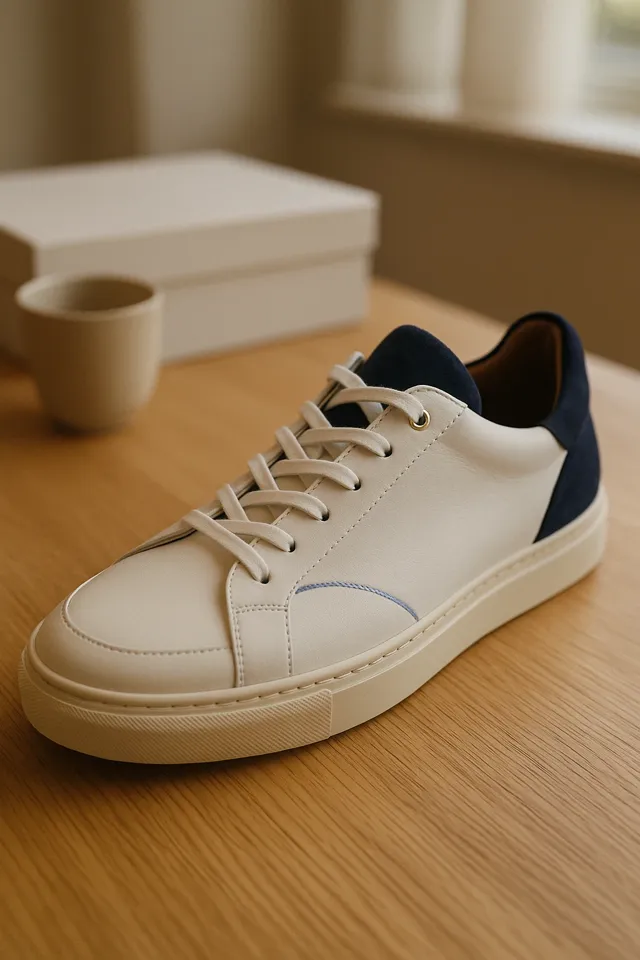 Leather Court SneakerTypeSneakers
 Insulated BottleVendorMerchUp
 Protein ShakeTypeSupplements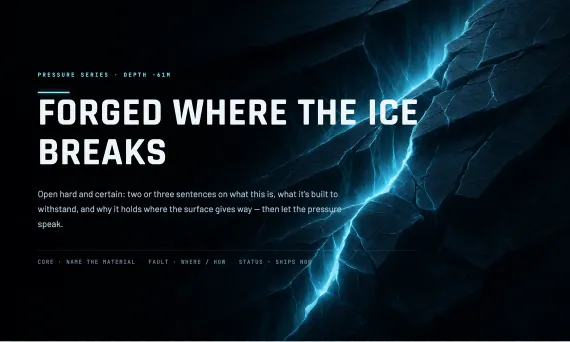
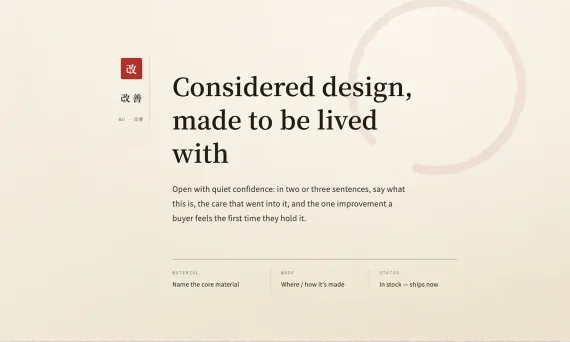
 Crevasse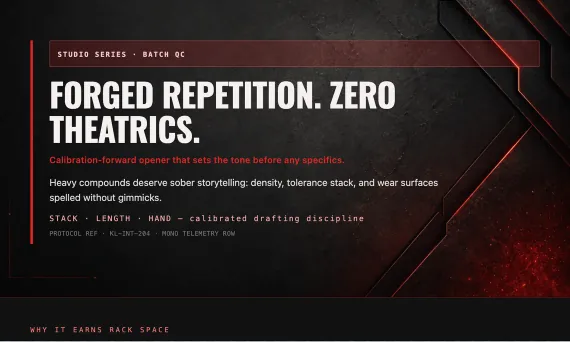
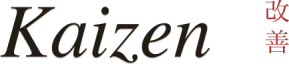
 Forge
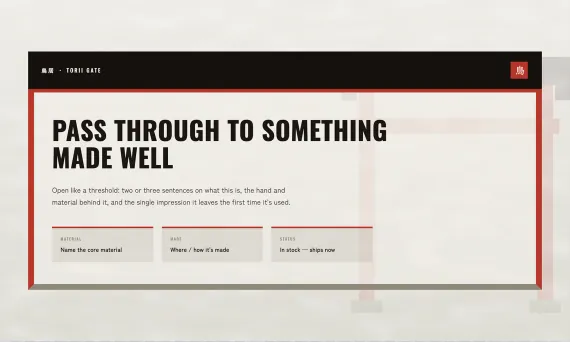
Forge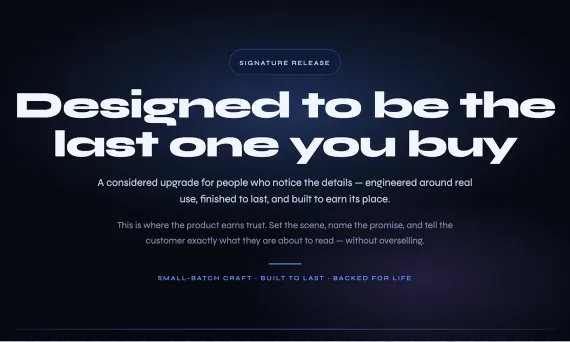
 Midnight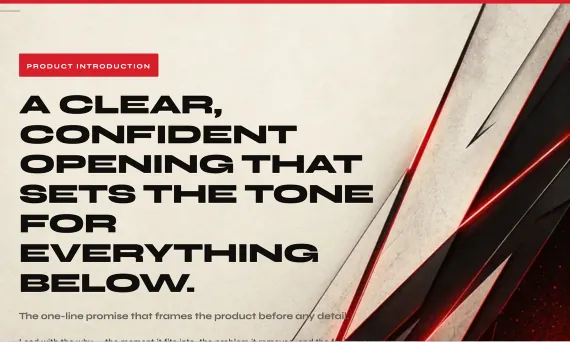
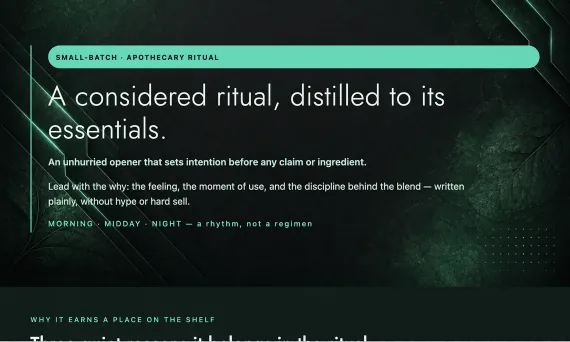
 Lumen
LumenHOW IT WORKS
Write the rule, put your rules in order, then generate as usual. The right template is already chosen.
CrevasseChoose template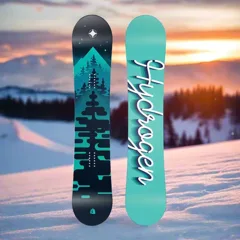 14matching products
Build a rule from the details already on your Shopify products. Combine conditions, exclude what you don’t want, and see how many products match before you save.
PRIORITY & FALLBACK
Rules are checked top to bottom and the first match wins. Anything no rule catches gets your store’s default template.
Your list order is the priority. A more specific rule beats the broader rule it refines, wherever it sits.
CrevasseForgeLumen CanvasHydrogen SnowboardTags: winter, saleCrevasseLumen
Pick any product and see which rule wins. No match? It uses your store default, so nothing is left without a design.
Protein ShakeType: SupplementsLeather Court SneakerVendor: Aurum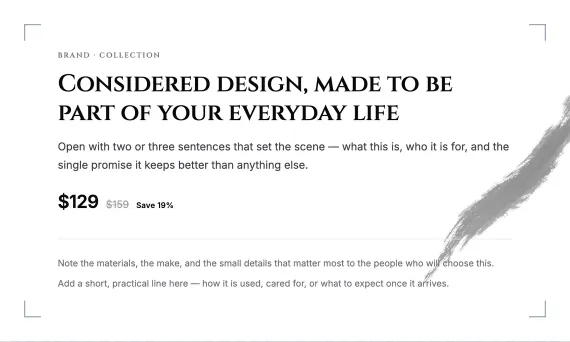 CanvasForge
 Synced from Shopify1 newGenerate newInsulated BottleVendor: MerchUpMidnightMatching…NewWritingWrittenLeather Court SneakerType: SneakersForgeMatching…NewWritingWrittenAll-Mountain BoardTags: winterCrevasseMatching…NewWritingWrittenHydrogen SnowboardTags: winterCrevasseWritten
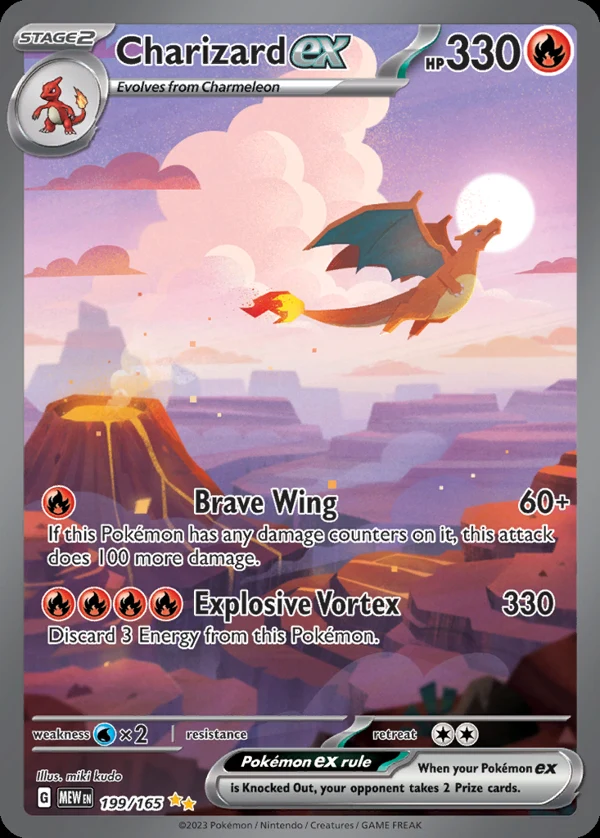 Charizard exScanned card
 AuraWrittenProtein ShakeNo rule · store defaultLumenWritten
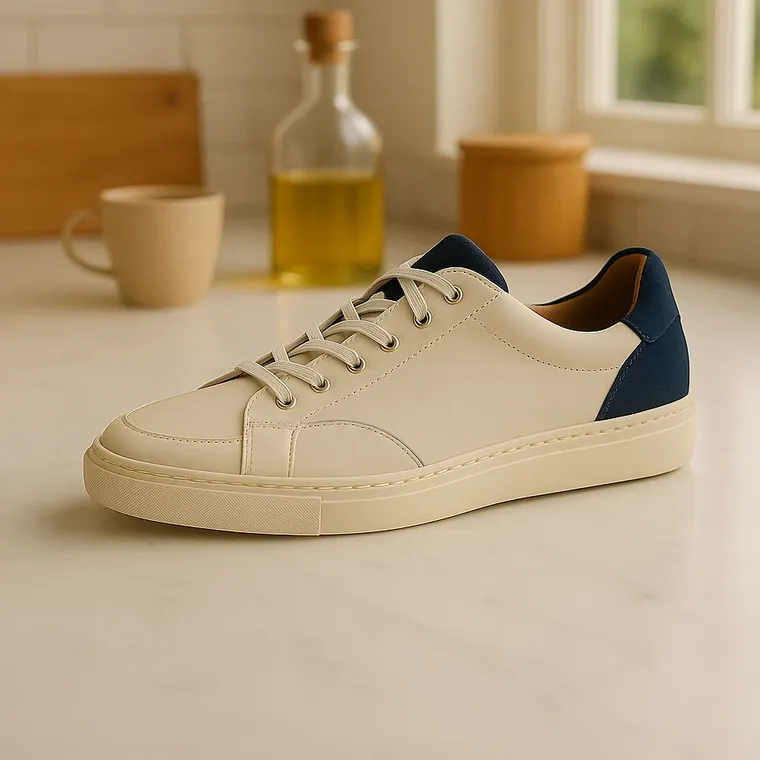 Canvas Low SneakerType: SneakersForgeWritten
Rules match on the product itself, so anything you add later that fits a rule is written in that rule’s template. Nothing to remember, nothing to pick.
DESIGNED TEMPLATES
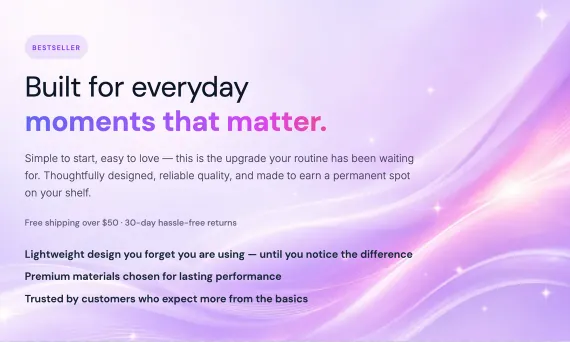
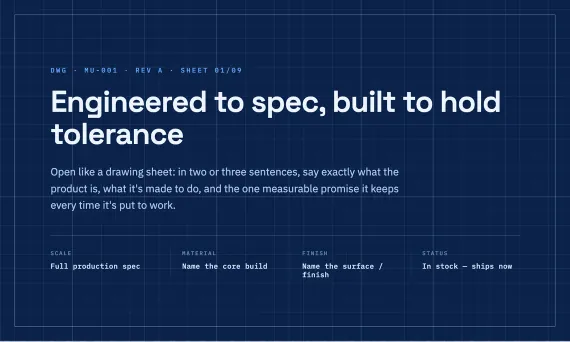
Every rule picks a designed template family, each with its own layout, type and brand art, or a template you built yourself in the editor.














Answers on scanning and listing products, template-driven descriptions, AI SEO, selling in person, plans and billing.
The Template Editor is where you design your product description layouts. You build sections and elements visually, and the AI writes into the right slots, so every product gets a consistent, designed description that's written specifically for that product.
Descriptions are written by the MerchUp AI Engine from your real product data (titles, variants, options and tags) into your designed template, so it doesn't invent specifications or prices, and structured facts like pricing stay locked. Choose a writing quality level (Standard, Polished or Premium), and review or edit everything before it's published.
Yes. The Template Editor gives you full visual control — start from one of our professionally designed template families or build your own layout with sections, elements, backgrounds, effects, and typography controls. Every part of a template can be restyled to match your brand, no code required.
Yes — MerchUp includes a library of professionally designed template families, each a genuinely distinct design system with its own layouts, typography, and artwork. Five families are free and included on every plan, and the rest can be bought individually at any time — there is no plan restriction on which ready-made templates you can use. Separately, your plan sets how many custom templates you can build and save in the Template Editor: Starter 1, Growth 5, Pro and Scale unlimited. That allowance applies only to templates you create yourself — it never limits the ready-made families available to you.
Descriptions are published to Shopify by MerchUp, so your storefront always reflects what you generated and approved. When you update a template, descriptions generated or regenerated from that point use the updated design — you stay in control of what gets pushed to your store.
You don't need to write CSS — the Template Editor exposes deep visual styling controls (layout, spacing, typography, colours, backgrounds, and effects) on every plan. The styling is baked into each description when it's published, so your designs render faithfully inside your Shopify theme.
GET STARTED
Rules match products by tag, type, vendor and more, so every product gets the right designed template.