



For most UK Shopify stores, the clearest simplified alternative to an all-in-one product content platform is a specialist AI description tool with native Shopify integration, locked brand templates, and bulk generation. MerchUp AI fits that brief directly: it handles bulk AI copy, a visual editor, customisable templates, and live Shopify sync in one focused product, without the overhead of a sprawling platform you only use at 30% capacity.

The main trade-off is straightforward. You will likely run one or two specialist tools rather than a single all-in-one, which means an extra subscription and a small amount of integration work. What you gain is faster asset throughput, tighter brand governance, and SEO fields that actually get filled consistently.
Quick summary of what the swap typically fixes:
- Bulk generation at scale, without manual copy-paste per SKU
- Template locking so brand voice stays consistent across stores and contributors
- SEO field mapping (title, meta description, alt text) applied automatically
- Live Shopify sync so published descriptions update without a separate export step
- GDPR-compliant data handling under ICO guidance during migration
The main thing you give up is the single-vendor convenience of an all-in-one. For most teams producing more than a handful of SKUs per week, that trade is worth making.
When have you outgrown your current content platform?
The honest answer: sooner than most teams admit. The clearest signal is when your editors spend more time correcting AI outputs or chasing missing SEO fields than they do on actual copy decisions. That is a tool problem, not a people problem.
Watch for these operational signals:
- Repeated manual edits after generation, particularly to tone, brand vocabulary, or SEO fields
- Slow asset throughput per seat, where one person can only push a handful of publish-ready descriptions per week
- Inconsistent brand voice across product pages, especially when multiple contributors or stores are involved
- Missed SEO fields (meta descriptions, alt text, structured data) left blank at publish time
- Multiple brands or stores being managed from a single workspace with no permission separation
Pro Tip: Count how many publish-ready, on-brand assets one team member produces per week. That single figure, asset throughput per seat, tells you more about a tool’s real impact than any feature list.
If that number is low and the bottleneck is clearly the tool rather than the brief, a specialist swap will move the needle faster than reconfiguring an all-in-one.
What do you gain — and lose — by switching to a specialist tool?
Specialist tools solve specific bottlenecks: AI copy depth, design throughput, and video repurposing are distinct constraints that rarely share a solution. Buying for your actual bottleneck beats buying for breadth.
What you gain:
- Higher asset throughput per seat, particularly for bulk SKU catalogues
- Deeper AI copy quality with prompt control and template variables
- Stronger brand governance through locked templates and workspace-level brand kits
- Cleaner Shopify integration with real sync behaviour rather than a superficial connector
- Audit logs and activity tracking that support compliance and agency workflows
What you give up:
- Single-vendor convenience; you may need a separate tool for video repurposing (an AI video generator handles short-form social clips as a distinct specialist need)
- Additional subscription cost and vendor management
- Some workflow integration work, particularly if your current platform handles scheduling or social publishing
The trade-off favours switching when your team produces more SKUs per week, manages multiple brands or stores, or has measurable brand drift across product pages. A single-creator store with a smaller catalogue has less to gain and more friction to absorb.
Which features should you insist on in a specialist tool?
More features do not equal a better solution. The features below are the ones that materially affect content velocity and quality for UK eCommerce teams.
- Bulk generation with template variables: generate descriptions for hundreds of SKUs in one pass, with SEO fields (title, meta, alt text) mapped automatically and CSV import/export for catalogue management
- Workspace-level brand governance: locked templates, a brand kit, and role-based permissions so distributed teams cannot override mandatory copy or design elements — critical for agencies and multi-brand retailers
- Native Shopify integration: live sync to Shopify objects and metafields, not a one-way export; confirm which objects are synced and what happens on a publish failure
- Versioning and approval workflows: activity logs and audit trails that support collaboration and provide an evidence trail for GDPR compliance
- A/B testing hooks: the ability to publish variant descriptions and measure conversion delta post-migration
Pro Tip: When evaluating integrations, depth matters more than breadth. A tool that syncs cleanly to Shopify metafields and handles bulk publish limits reliably is worth more than one with ten superficial connectors.
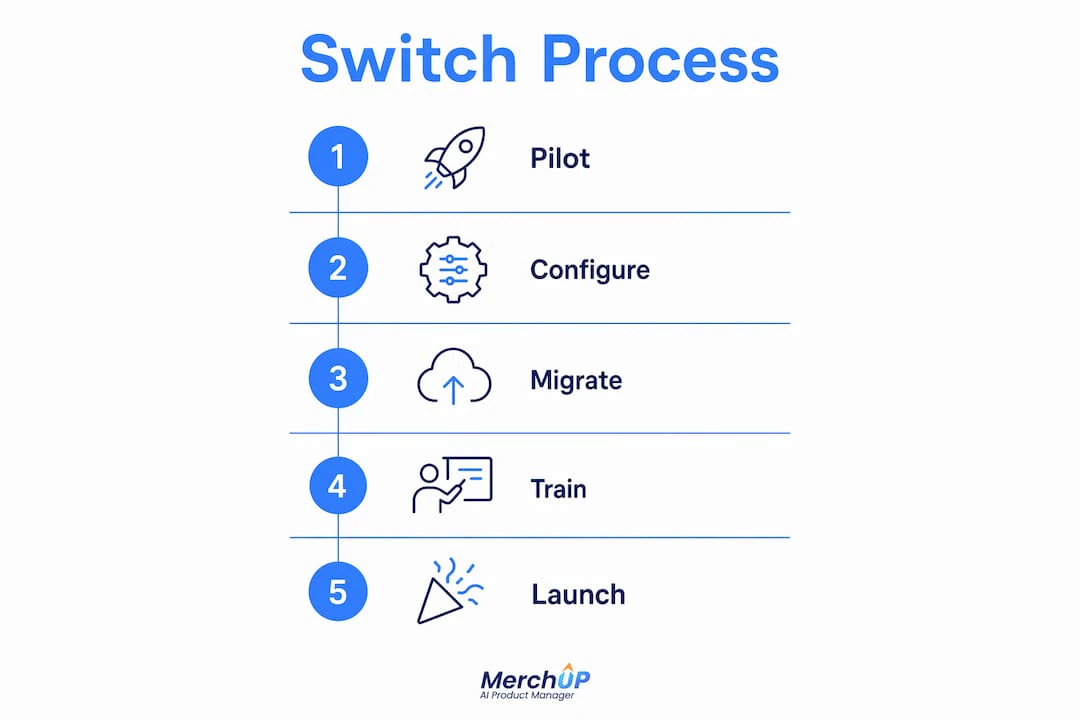
How to switch: a realistic timeline for UK stores
Migration feels daunting until you break it into three phases. The table below gives a working structure; adjust durations to your catalogue size and team capacity.
| Phase | Typical tasks | Realistic duration |
|---|---|---|
| Pilot | Select representative SKUs; configure templates and brand kit; test Shopify sync; capture baseline conversion and time-to-publish metrics | a few weeks |
| Rollout | Bulk import remaining SKUs; set role permissions; train stakeholders; run phased publish windows to limit site disruption | several weeks |
| Measurement | Track conversion rate, organic traffic, time-to-publish, and error rates; iterate templates and AI prompts based on results | up to a few months post-rollout |
A few UK-specific points worth noting. Under ICO guidance, any personal data processed during migration (customer-facing content that references personal attributes, or internal contributor data) must be handled in line with GDPR obligations. Keep copies of original product descriptions before overwriting them; this satisfies both audit requirements and gives you a rollback option if AI outputs need revision.
For the pilot, select SKUs that represent your catalogue breadth: fast sellers, slow sellers, and product variants. That mix will surface edge cases in AI prompts, template coverage, and Shopify sync behaviour before they affect your full catalogue.
How pricing works and how to estimate ROI
Most specialist product content tools use one of three commercial shapes: per-seat subscription, credit-based AI generation, or a hybrid of both. MerchUp AI uses subscription tiers with optional credit top-ups for additional generation capacity, which means your base cost is predictable and you scale generation volume without upgrading your entire plan.
To estimate ROI, focus on three variables:
- Time-to-publish reduction: if bulk generation cuts per-SKU editing time from 20 minutes to 4 minutes, that saving multiplies quickly across a large catalogue
- Conversion uplift from better descriptions: well-structured, SEO-mapped descriptions with consistent brand voice tend to reduce bounce and improve add-to-cart rates, though the exact delta depends on your baseline
- Licence cost: compare the specialist tool’s annual cost against the portion of your current platform’s cost attributable to content generation
Hidden costs to budget for: integration setup time (usually a few hours for a Shopify-native tool), stakeholder training, and any scheduling or social tooling you add separately. If your team also needs short-form video content, an AI UGC video tool is a separate specialist spend worth modelling.
Practical tip: run a 30-day pilot with measurement windows before committing to full rollout. Capture real delta in conversion and staff hours saved, then use those figures to justify the switch internally.
Questions to ask vendors before you commit
A good demo reveals more than a feature list. Go in with specific questions tied to your stack and catalogue size.
- How does brand governance work at workspace level? Ask to see locked templates and permission tiers in a live demo, not a slide.
- Which Shopify objects and metafields do you sync? Confirm product title, body HTML, SEO title, meta description, and alt text as a minimum.
- What are your bulk-publish limits and failover behaviours? A tool that silently fails on 500 SKUs is a serious operational risk.
- Can you show a live CSV import and export? This confirms catalogue portability and reduces exit risk.
Red flags: no role or permission granularity, no audit logs, opaque credit usage with no usage dashboard, and any restriction on exporting your own content.
Pro Tip: Ask for an onboarding schedule that includes a scripted migration of 50–200 SKUs. A vendor confident in their tool will agree to this; one that steers you toward a generic demo probably has edge cases they would rather you discover after signing.
Why MerchUp AI works well for UK eCommerce teams
MerchUp AI maps directly to the checklist above. Bulk AI product description generation, a visual editor, customisable drag-and-drop templates, live Shopify integration, and activity tracking are all present in the core product. The platform supports multi-brand governance with workspace-level permissions, which reduces editorial drift for agencies managing several store identities simultaneously.
Key capabilities worth noting:
- Live Shopify integration: descriptions publish directly to your Shopify store without a manual export step
- Visual editor and customisable templates: adjust tone, structure, and SEO fields without touching code
- Activity tracking: a log of changes and generations that supports both team collaboration and compliance audit trails
- Subscription plus credits model: predictable base cost with flexible generation capacity as your catalogue grows
- Upcoming integrations: Webflow, Wix, WordPress, WooCommerce, and eBay are on the roadmap, which matters if your stack extends beyond Shopify
A trial with MerchUp AI typically covers template setup, a 50–200 SKU pilot, and baseline metric capture, giving you the data to make a confident rollout decision.
The part most migration guides skip
There is a tendency in eCommerce to treat a tool switch as a technical project and forget it is also an editorial one. The first two weeks of any AI copy migration will produce outputs that need human review. That is not a failure of the tool; it is how prompt calibration works. The teams that get the fastest results are the ones that lock their brand assets early (tone of voice, forbidden phrases, SEO keyword priorities) and schedule a dedicated editorial review window in the pilot phase rather than bolting it on afterwards.
GDPR awareness tends to be an afterthought in these projects too. If your product descriptions reference customer segments, regional attributes, or any data derived from customer behaviour, check with your data protection officer before migrating that content through a third-party AI tool. The ICO’s guidance on AI and data processing is worth a read before you start, not after.
The broader point: the specialist tool is not the hard part. The hard part is the 48 hours of template configuration and editorial alignment that makes the AI outputs actually usable. Do that work upfront and the rest of the migration tends to run smoothly.
MerchUp AI: what a trial actually looks like
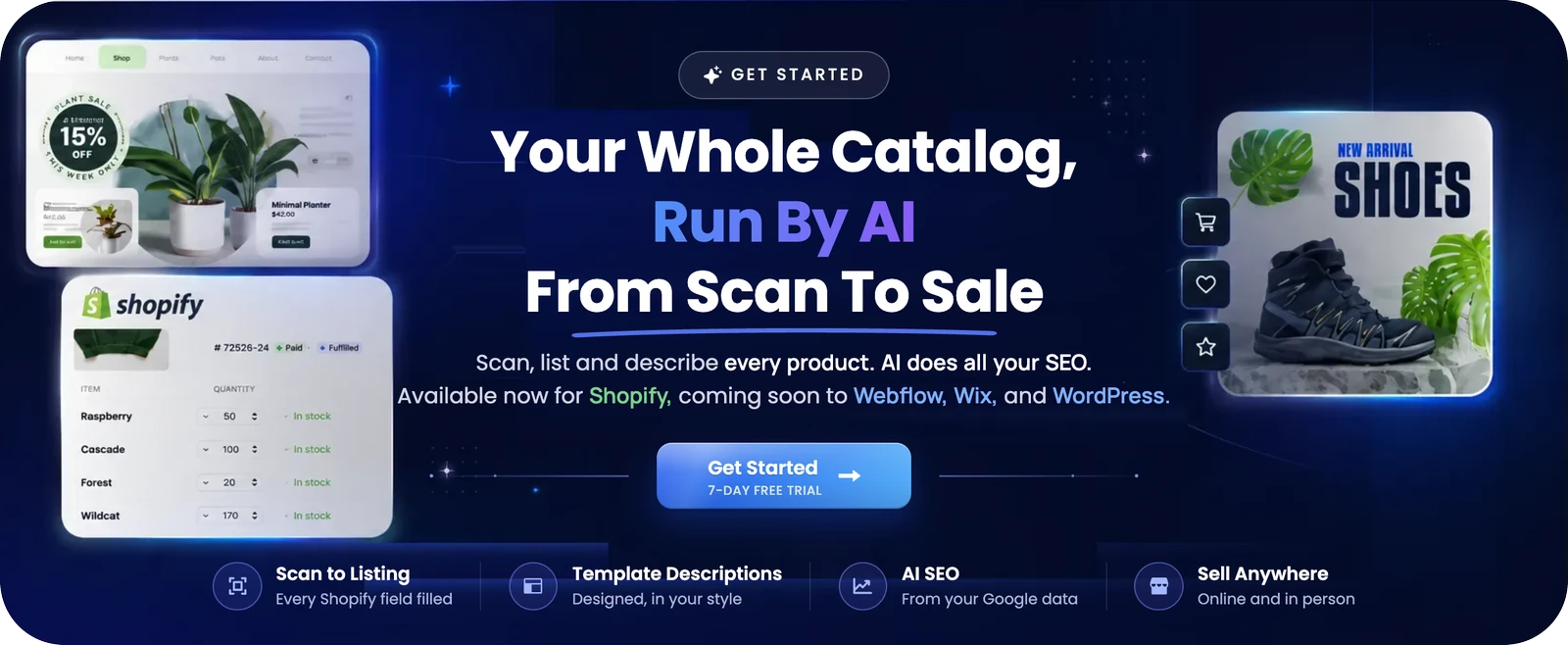
If your team is spending more than eight hours a week editing AI-generated descriptions, fixing missed SEO fields, or manually pushing content to Shopify, MerchUp AI is worth a direct look. The trial covers a visual editor walkthrough, a 50–200 SKU pilot with your actual catalogue, baseline metric capture (time-to-publish, SEO field completion rate), and a suggested rollout timeline based on your catalogue size.
Pricing runs on a subscription-plus-credits model, so your base cost is fixed and you top up generation capacity as needed rather than upgrading your entire plan. The Shopify integration is live now. See the plans and start a trial to get a realistic picture of what the switch would look like for your store.
Sources and further reading
- MerchUp AI — product features, visual editor, and Shopify integration
- MerchUp AI Pricing — subscription tiers and credit top-ups
- Simplified alternatives: a practitioner’s comparison | Spike — asset throughput metrics, governance requirements, and specialist tool selection
- AI video generator for short-form social content | SwipeStory — relevant if video repurposing is a separate bottleneck in your stack
- AI UGC ads video generator guide | SwipeStory — practical guide to automating short-form, user-style ads
- ICO guidance on AI and data protection — consult before migrating product content through third-party AI tools to confirm GDPR compliance for your specific use case


Comments
No comments yet — be the first to share what you think.