


Product description version control tracks edits, drafts, A/B variants and publishing history so teams can safely change and roll back product copy across catalogues and channels. The immediate step is simple: create a baseline version of your current descriptions and assign a named owner to each field, whether you run this through Shopify directly or a tool such as MerchUp.
TL;DR:
- Field-level versioning allows you to recover individual product description fields without affecting unrelated data, preventing unnecessary overwrites.
- An audit trail logs who made changes, when, and via which system, helping teams identify and troubleshoot errors before they impact the live catalog.
- Creating baseline versions before bulk edits or promotional campaigns ensures a clean rollback point, reducing the risk of data loss.
- A structured approval process with designated owners and clear permissions minimizes editing errors and accelerates content review cycles.
- Implementing regular pruning of outdated versions keeps the system manageable and maintains fast access to relevant change history.
What version control covers in ecommerce product catalogues
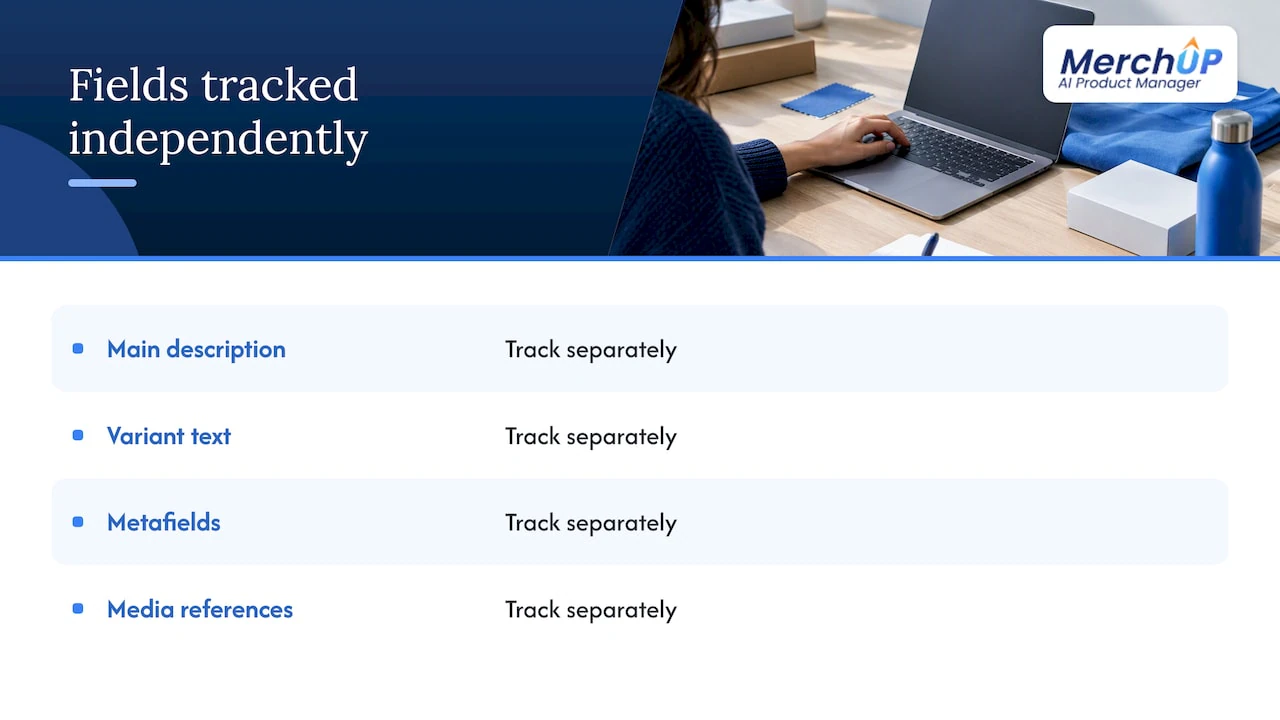
This guide is about catalogue content, not software code: it has nothing to do with systems like Git. In ecommerce, version control applies to the fields that make up a product listing: the main description, variant-level text, metafields, and references to media assets. Each of these can change independently, which is why field-level granularity matters more than whole-record snapshots. If you only ever save the entire product record, you cannot tell which single field changed, or restore one without touching the rest. Treat descriptions, variant copy and metafields as separate, trackable objects from the start.
Why version control matters for ecommerce
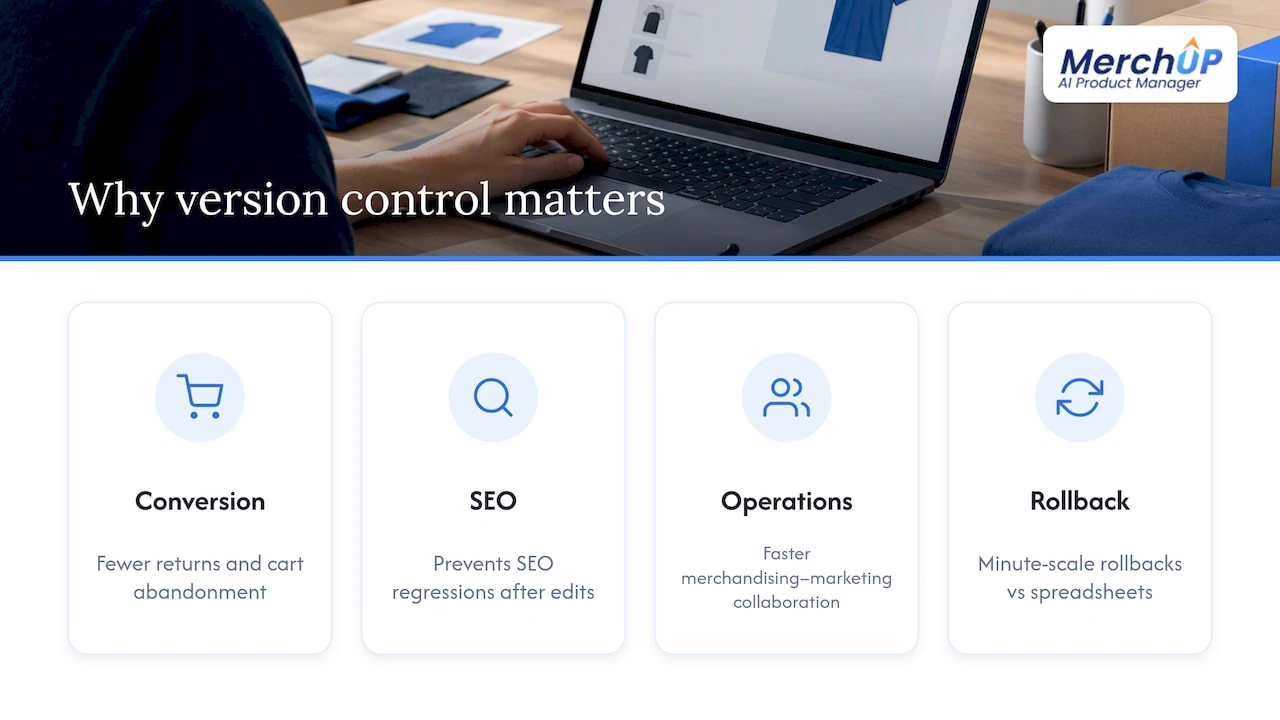
Inconsistent or outdated product copy tends to confuse buyers, and confused buyers return items or abandon carts more often. Keeping one source of truth for product information, rather than letting several systems edit the same fields unchecked, reduces the kind of inaccuracies that hurt conversion and inflate returns, a point Shopify’s catalogue management guidance makes directly.
A single source of truth for product data reduces the inaccuracies that drive returns and weaker conversion, according to Shopify, which recommends standardising core fields and assigning clear owners.
Version control also protects your SEO work. Once a description has been optimised and indexed, uncontrolled edits across channels can undo that work quietly, and a proper history of product description changes helps you catch regressions before they cost rankings. On the operational side, a clear version history means fewer editorial mistakes slipping through, faster collaboration between merchandising and marketing, and a rollback that takes minutes rather than a frantic afternoon spent comparing spreadsheets.
Core features a versioning system must provide
Before adopting or building a workflow, check it against the features that actually prevent data loss and confusion.
- Field-level versioning and selective restores, so you can recover one field without overwriting others. Field-level granularity is described as essential precisely because whole-record restores risk accidental overwrites of unrelated fields.
- An audit trail that logs who changed what, when, and through which source, alongside compare and preview tools so editors can see differences before committing.
- Drafts, branching and A/B variant tagging, letting teams prepare seasonal or promotional copy without disturbing the live version.
- Permissions and approval flows, with integration ownership mapping that states which system, whether Shopify, a PIM or an ERP, is authoritative for each field.
- A retention policy that prunes old versions on a schedule, since content versioning documentation notes that keeping only the versions you need improves manageability and performance.
Pro Tip: Create a version immediately before any bulk edit or promotional push, not after, so you always have a clean point to restore to.
Selective restore depends on a system that stores changes per field and exposes a safe way to merge them back in. Without that, you are stuck restoring whole records and manually re-entering anything that changed in between, which defeats the purpose of versioning altogether.
Practical workflows and role definitions for teams
The simplest governance model assigns one accountable owner per field, so nobody has to guess who is allowed to touch pricing versus description copy. From there, a lightweight approval flow keeps changes visible without slowing the team down:
- Draft: an editor writes or updates copy in a working draft, separate from the live version.
- Review: a second person or the assigned field owner checks the draft against brand and SEO guidelines.
- Version create: the system saves a dated, attributed version before publishing.
- Publish: the approved draft goes live across the mapped channels.
- Monitor: the team checks performance and reverts quickly if something looks wrong.
Templates and a visual editor cut down on freeform edits that are hard to track, since structured fields are easier to version than blocks of unstructured text. For day-to-day tweaks on a single store, native Shopify editing is often enough; once multiple teams, suppliers or sales channels need coordinated review, a dedicated PIM becomes the better home for that workflow, as Shopify’s own guidance suggests for larger or more complex catalogues.
Step by step checklist to implement product description version control
Rolling out versioning works best as a staged process rather than a single switch flipped across the whole catalogue.
- Audit your current sources: list every system, Shopify, PIM, ERP or product feed, that writes to description fields.
- Map field ownership: document which system is authoritative for each field, and note where responsibility is currently unclear.
- Create baseline versions: save the current state of your descriptions before anyone edits anything, and turn on versioning wherever your platform supports it.
- Run a small pilot: pick a limited product set, exercise a rollback and a selective field restore, and confirm both work as expected.
- Define retention rules: decide how many versions to keep and automate the pruning of anything older, in line with the manageability advice in content versioning documentation.
Pro Tip: Pilot on your top-selling or highest-return products first. That’s where a rollback mistake costs the most, and where proving the workflow earns the fastest buy-in.
Once the pilot has run cleanly through a few publish and rollback cycles, expand field by field rather than moving the whole catalogue at once. You will catch ownership gaps and feed conflicts far sooner that way.
Common pitfalls and how to avoid them
Most version control failures in ecommerce come down to a handful of repeatable mistakes.
- Silent overwrites from automated feeds: a marketplace sync or bulk upload can quietly replace manually edited copy. Shopify’s bulk editing guidance recommends restricting integrations to fields like inventory and pricing, and logging any automated write to descriptive copy.
- Restoring whole records instead of single fields: this reintroduces outdated pricing or variant data along with the description you meant to fix. Prefer field-level merges.
- No naming convention for versions: without a consistent tag, such as a campaign name or date, nobody can tell which version matches which promotion.
- Letting version counts grow unchecked: too many stored versions slow down search and comparison tools, so prune on a schedule.
How MerchUp helps with version control
MerchUp builds several of the capabilities above directly into its workflow. Its activity tracking logs changes as they happen, its visual editor and customisable templates help keep copy structured rather than freeform, and its live Shopify integration means published versions sync back to the storefront without a separate export step.
- AI-assisted generation for drafting new copy or variants quickly.
- Templates and a visual editor that reduce inconsistent, freeform edits.
- Activity tracking for visibility into change history.
- Integration for publishing without manual re-entry.
| Checklist need | MerchUp feature |
|---|---|
| Structured, repeatable fields | Drag-and-drop templates |
| Fewer freeform edits | Visual editor |
| Change visibility | Activity tracking |
| Publishing without duplication | Shopify integration |
Match these against the checklist in the earlier section rather than assuming extra capability. If your workflow also needs a formal PIM-style approval chain across many suppliers, treat MerchUp as the editing and publishing layer within that larger process, not a replacement for it.
Start small and govern early
Pilot on a focused set of products, measure how fast you can roll back and how often editorial errors slip through, then expand. Governance and clear ownership matter more than any single tool you choose.
— Jamie Moss
Try the MerchUp tutorial or check pricing to see if it fits
If the checklist above matches gaps in your current setup, MerchUp’s templates, visual editor and Shopify integration cover most of the structural work without you building it from scratch.

- See the MerchUp tutorial for a walkthrough of generating and publishing descriptions in Shopify.
- Compare Starter, Growth, Pro and Scale plans to find the tier that matches your catalogue size.
A short pilot on a handful of products is the fastest way to see whether the workflow fits before you commit further.
Sources
- Your ecommerce catalog management guide (2026) - Shopify
- Content versioning — HCL Commerce documentation
- Shopify help — bulk editing
- C3
FAQ
What is the difference between field-level and whole-record versioning?
Field-level versioning tracks changes to individual fields, such as a description or a metafield, so you can restore just that one piece of content. Whole-record versioning saves the entire product at once, which risks reintroducing outdated data in fields you never meant to touch, a concern raised specifically around selective restores.
How do I stop automated feeds from overwriting edited descriptions?
Restrict each integration to the specific fields it needs to control, typically inventory and pricing, and keep descriptive copy under manual or templated ownership. Shopify’s bulk editing guidance recommends logging automated writes so overwrites are visible rather than silent.
When should I use a PIM instead of editing directly in Shopify?
Native Shopify editing works well for a single store with a small team, but once multiple teams, suppliers or channels need formal review, a dedicated PIM becomes the better fit, as Shopify’s own guide notes for larger or more complex catalogues. MerchUp can sit alongside either setup as the editing and publishing layer.
How many versions of a product description should I keep?
There is no fixed number, but content versioning guidance recommends deleting older versions to keep the system manageable and fast. A sensible approach is to keep recent versions plus any tied to a specific campaign, and prune the rest on a schedule.
Can version control help with SEO as well as rollback?
Yes: keeping a single source of truth and a clear history of changes helps you spot when an edit has accidentally undone optimised copy. Reviewing a change history alongside SEO performance makes it easier to catch and reverse regressions quickly.


Comments
No comments yet — be the first to share what you think.