


Open Products → Edit Product, write a benefit-led one-liner plus three to five bullets in the main description box, and use the short description only for the listing snippet on shop and archive pages. That single change, done consistently across your catalogue, moves more units than any font tweak or plugin ever will. Everything below is how to do it properly, fix it when it breaks, and scale it past a hundred SKUs.
TL;DR:
- Most WooCommerce product descriptions fail on the front end due to mixing up full descriptions and short descriptions, which causes display issues.
- Writing effective descriptions involves a layered structure that appeals to skimmers, using templates like FAB, PAS, or sensory stories, tailored to product complexity.
- SEO success relies on creating unique, detailed copy with strategic keyword placement and structured data, avoiding duplicate manufacturer content.
- Common display problems are usually caused by theme overrides or caching issues and can be fixed by inspecting fields, switching themes, or clearing caches.
- Automating large catalogs with AI tools like MerchUp requires human editing for quality, focusing manual effort on the top revenue SKUs while automating the long tail.
How do you add and edit product descriptions in WooCommerce?
WooCommerce splits product copy into two fields, and mixing them up is the single most common reason descriptions look wrong on the front end. Go to Products → All Products, click into any item, and you’ll see the main editor near the top of the page (this is your full product description) and a separate Product Short Description box further down, usually on the right or below the main editor depending on your theme.
- Use the main editor for the full story: headline, bullets, features, use cases, specs.
- Use the Product Short Description (WordPress calls this the excerpt) for the one or two lines that appear in cart previews, quick-view popups, and some listing widgets.
- Save and preview before publishing. Themes render these fields differently, so what looks fine in the editor can shift on the live page.
If you’re on the block editor, build the main description with actual blocks (heading, list, paragraph) rather than pasting a wall of plain text. It renders more reliably across themes and lets you save a reusable block for recurring sections like care instructions or warranty terms, which is a genuine time saver once you’re managing dozens of listings.
Getting descriptions to show on shop and category pages is a separate problem from writing them. Most themes only pull the short description (or nothing at all) into archive loops by default. A plugin such as Product Description on Shop & Archive Pages for WooCommerce lets you choose which field displays, where it sits relative to the price, and how long it runs before truncating.
Pro Tip: Before you touch a plugin or theme file, open an incognito browser window and check whether the description is actually missing, or just hidden below the fold by a lazy-loaded image gallery. Half the “missing description” panics are really layout issues.
What’s the best structure for product descriptions that convert?
Shoppers scan before they read, so the winning structure works in layers: a headline that names the core benefit, a one-line hook, three to five scannable bullets, a short story paragraph, then specs. This layered approach is what most conversion-focused copywriting guidance converges on, because it serves the skimmer and the researcher on the same page without forcing either to work harder.
Three templates cover almost every product you’ll ever list:
- FAB (Feature, Advantage, Benefit): state the feature, explain the mechanical advantage, then land on why the customer actually cares. “Double-stitched seams (feature) resist fraying under heavy use (advantage), so this bag survives years of daily commutes (benefit).”
- PAS (Problem, Agitate, Solution): open with the pain point, twist it slightly to make it felt, then resolve it with your product. Works well for anything solving an annoyance: pest control, organisation tools, skincare.
- Sensory story: describe the experience of using the product in concrete, physical terms. Best for food, home fragrance, textiles, anything where texture or smell sells.
A quick fill-in example for a ceramic travel mug: Headline — “Coffee that’s still hot when you actually drink it.” One-liner — “Double-walled ceramic keeps drinks hot for four hours, cold for eight.” Bullets — leak-proof lid, fits standard cup holders, dishwasher safe, BPA-free lining, holds 350ml. Story — two sentences on the 7am commute. Specs — dimensions, weight, materials.
Length should track price and complexity, not a fixed rule. A £12 phone case doesn’t need six paragraphs; a £400 espresso machine does. For variants (size, colour, bundle), keep the core description identical and only swap the specs line and any bullet that genuinely changes, or you’ll create duplicate-feeling pages that read as lazy rather than efficient.
How do you optimise product descriptions for SEO without killing conversions?
Every product needs unique copy, full stop. Copying a manufacturer’s spec sheet across dozens of listings is the fastest way to tank rankings, because search engines increasingly demote near-duplicate product pages in favour of stores that add genuine detail.
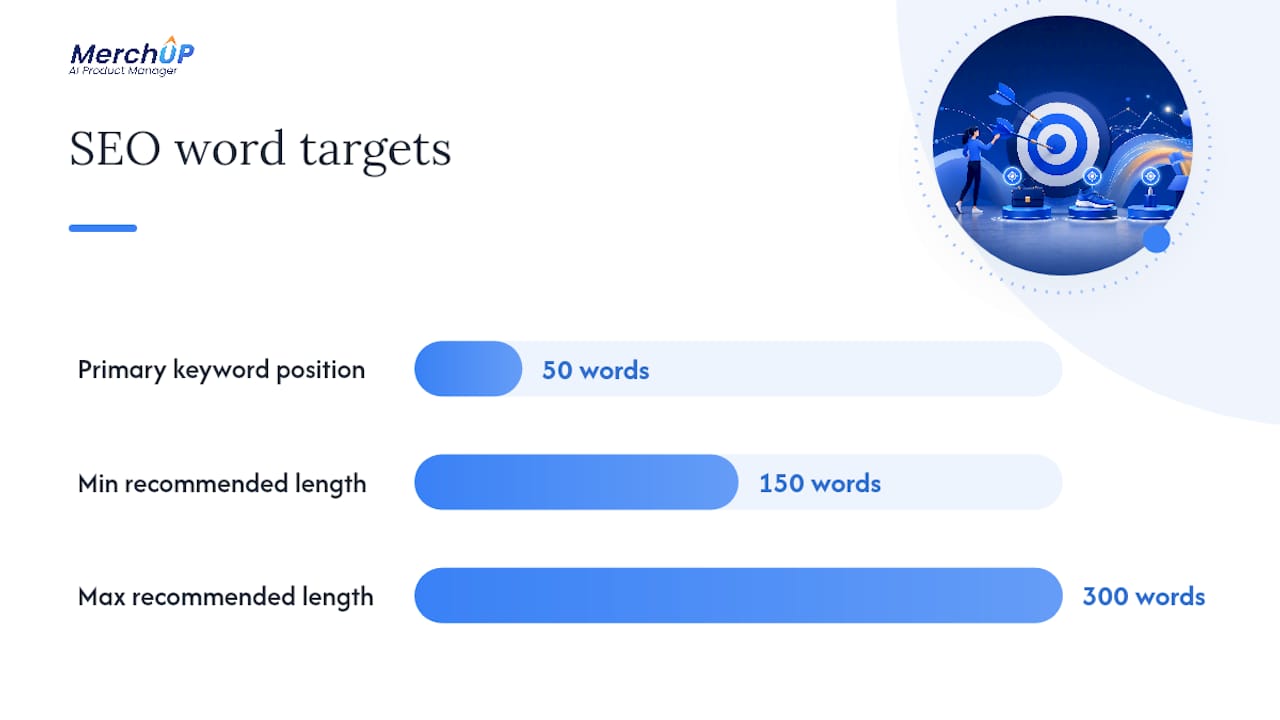
Place your primary keyword within the first 50 words of the main description, then let long-tail variants surface naturally in bullets and subheadings rather than forcing them into the opening line. Standard SEO guidance points to 150 to 300 words for most products, stretching higher for technical or high-consideration items where buyers actually research before purchasing.
Beyond word count, four things move the needle:
- Add Product schema (via a WooCommerce SEO plugin or manual JSON-LD) so price, availability, and reviews can appear as rich results in search.
- Write descriptive image alt text that names the product and a key attribute, not just “product photo.”
- Keep the meta description distinct from the on-page copy, focused on the click-worthy benefit rather than a repeat of your first sentence.
- Never lift manufacturer copy wholesale, even for niche or technical products where “nobody else describes it differently” feels tempting.
Structured data isn’t optional decoration. Pairing correct product schema with genuinely unique copy is what lets a listing show star ratings and pricing directly in search results, and that visual difference in the results page is often what earns the click over a plain blue link.
Why is my product description not showing on the front end?
Work through this in order before assuming it’s a bug:
- Check the field. Confirm the text is in the main editor, not the short description box, if it’s meant to appear as the full description, or vice versa for listing snippets. This single mix-up accounts for most reported display issues in WooCommerce support threads.
- Inspect the theme template. Some themes override the default WooCommerce loop and simply don’t call the description field at all on archive pages.
- Switch to a default theme (Storefront or the current WordPress default) temporarily. If the description appears, your active theme is the culprit.
- Deactivate plugins one at a time, particularly anything touching product layout, page builders, or caching, then reload the product page after each one.
- Clear all caches, including any CDN or object cache, since stale rendered HTML is a sneaky cause of “it’s still not showing.”
- Use a display plugin if the issue is really about archive pages rather than single product pages. Configure position and length settings directly rather than fighting the theme’s default loop.
Pro Tip: Before contacting a theme developer or WooCommerce support, note your PHP version, active theme, a list of active plugins, and screenshots of both the editor and the front end. That single message saves three back-and-forth emails.
If none of that resolves it, WordPress’s own debugging guide walks through enabling debug mode to surface the actual PHP error rather than guessing.
How do you write product descriptions at scale for large catalogues?
Once you’re past fifty or so SKUs, writing every description by hand stops being realistic. CSV export and import (native to WooCommerce, or via a bulk-edit plugin) lets you pull every product into a spreadsheet, edit description columns in bulk, and reimport, provided you map the short description and main description columns correctly before you hit import.
AI drafting tools speed up the first pass enormously, but they’re a starting point, not a finish line. Generic AI output tends to read as interchangeable, and interchangeable copy hurts both conversion and search rankings, since duplicate-feeling listings get treated as low-value by search engines regardless of who or what wrote them.
A workable rollout process looks like this:
- Generate drafts in batches of 20 to 50, grouped by category so tone stays consistent.
- Have a human editor check every draft for brand voice, factual accuracy, and any specification that could be wrong (sizing, materials, allergens, compatibility).
- Spot-check a random 10% sample after publishing, not just the first batch.
- Log which SKUs were bulk-edited and when, so you can trace a problem back to its source.
This is precisely the workflow MerchUp is built around. It generates on-brand drafts through customisable templates and a visual editor, tracks what’s been edited and published, and is built to integrate directly with your store catalogue so bulk changes stay organised rather than scattered across spreadsheets.
What legal and compliance issues matter in product copy?
Every claim you make in a product description is technically a promise you have to be able to back up. In the United States, the FTC’s truth-in-advertising rules require that marketing claims be truthful, substantiated, and not misleading, and that standard applies just as much to a WooCommerce product page as it does to a television advert.
Three areas cause the most trouble in practice:
- Superlatives and comparisons. “Best-selling,” “strongest on the market,” or “clinically proven” all imply you have evidence. If you don’t have the data to support the claim, soften it or drop it.
- Health, safety, and material claims. Anything touching allergens, certifications, weight limits, or “organic”/“natural” labelling needs to match what’s actually verified, not just what the manufacturer’s marketing copy asserts.
- Country-of-origin and sizing claims. These get flagged in returns and disputes constantly, and getting them wrong erodes trust faster than almost anything else on the page.
Never copy a supplier’s marketing language verbatim and publish it as your own claim, particularly for supplements, cosmetics, electronics with safety ratings, or anything marketed to children. If a claim came from the manufacturer, verify it against their actual spec sheet or certification before it goes live on your store. When in doubt on a claim that could carry legal weight, that’s a conversation for a professional, not a copywriting decision.
Where should you focus your editing time?
Not every product deserves the same attention, and pretending otherwise is how stores burn weeks polishing copy nobody reads. Your top 20% of SKUs by revenue should get hand-crafted descriptions, tested headlines, and a proper editorial pass. Everything below that line does better with a solid template applied consistently than with inconsistent effort spread too thin.
Automation earns its place on the long tail, not the bestsellers. Where I’d push back on common advice: treating AI-generated copy as “good enough to skip review” is the mistake, not using AI itself. Build a small QA loop, even a fifteen-minute weekly check on a random sample, and revisit high-traffic pages every quarter as pricing, stock, and competitor copy shift underneath you.
— Jamie Moss
Speed up description writing with MerchUp
MerchUp is the practical shortcut for stores that have outgrown writing every listing by hand but still want copy that sounds like a person wrote it. Instead of choosing between slow manual writing and generic, obviously-automated text, you get AI-generated drafts built from customisable templates, refined in a visual editor, with activity tracking so you can see exactly what’s been changed and by whom.
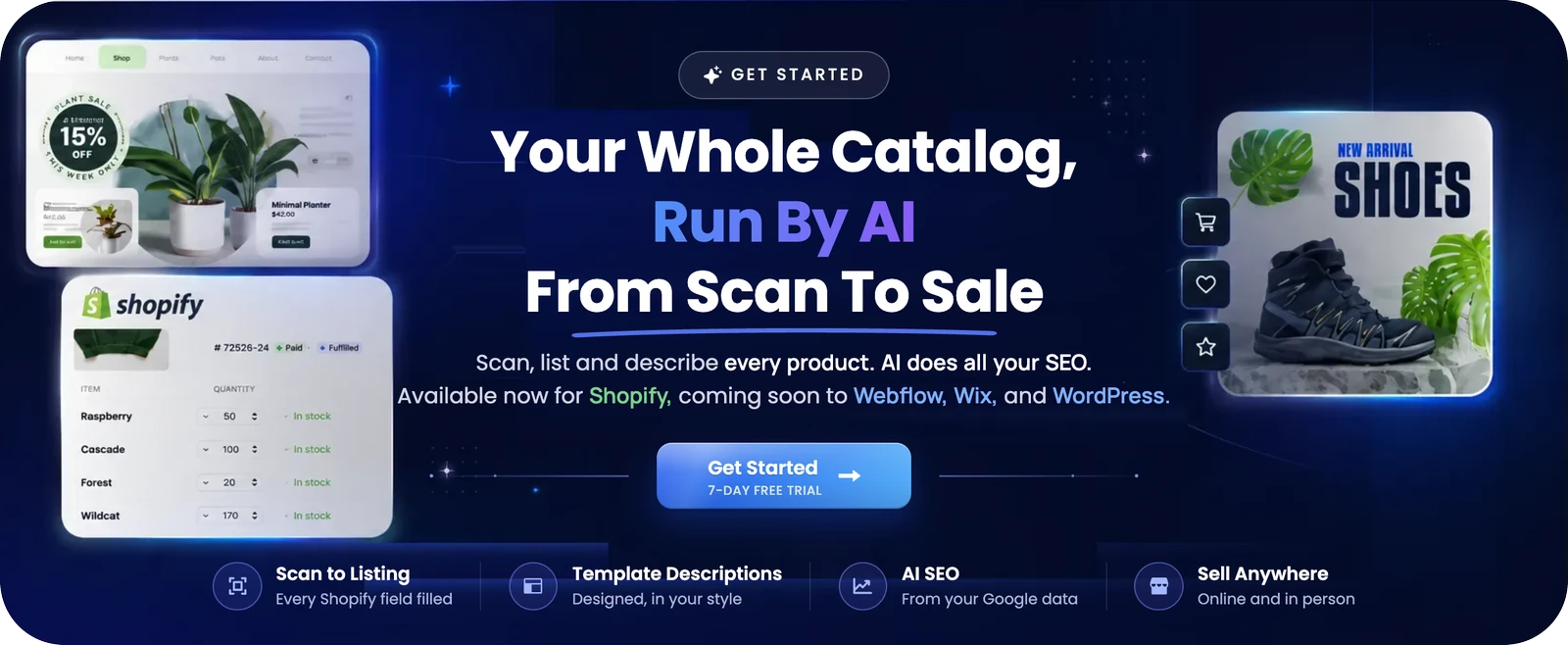
The platform is live for Shopify stores today, with WooCommerce and WordPress support coming as part of its expanding integration roadmap, so if you’re managing catalogues across more than one platform, it’s worth understanding the workflow now rather than later. Plans run from Starter through to Scale on the pricing page, scaling with catalogue size and how much AI-assisted generation you need. If you’d rather see it in action first, the 30-second tutorial walks through generating and editing a draft description end to end, and the product overview covers the full template and editor toolkit in detail.
Sources
- Product Description on Shop & Archive Pages for WooCommerce
- How to Write Product Descriptions That Sell | WebMedic
- How to Write Product Descriptions That Sell (Scale Growth Digital)
FAQ
Is WordPress outdated in 2026?
No. WordPress continues to power a significant share of ecommerce sites, and its plugin ecosystem, including WooCommerce and dedicated description tools, keeps expanding rather than shrinking, which is a poor sign for a platform supposedly on its way out.
What is an example of a good product description?
A strong example leads with a benefit-driven headline, follows with a one-line hook, lists three to five scannable bullets, adds a short sensory or use-case story, and closes with specs, such as the travel mug example covered earlier in this guide.
What are the disadvantages of WooCommerce?
WooCommerce relies heavily on your theme and plugin choices for things like how descriptions render on archive pages, which means display inconsistencies and plugin conflicts are more common than on more rigid, closed platforms, and troubleshooting often falls to the store owner.
What is an example of an item description on a listing page?
On a shop or category page, an item description is usually the short, benefit-led snippet, not the full product story, something like “Double-walled ceramic mug, keeps drinks hot for 4 hours” rather than the complete specs and story used on the product page itself.
Can MerchUp write WooCommerce product descriptions?
MerchUp currently generates and manages descriptions live for Shopify stores, with WooCommerce and WordPress integration planned as part of its roadmap, so WooCommerce sellers can prepare their workflow now ahead of that rollout.


Comments
No comments yet — be the first to share what you think.